
How to Ensure Data Accuracy Between WooCommerce and Microsoft Dynamics Business Central
How to keep WooCommerce and Microsoft Dynamics Business Central data consistent

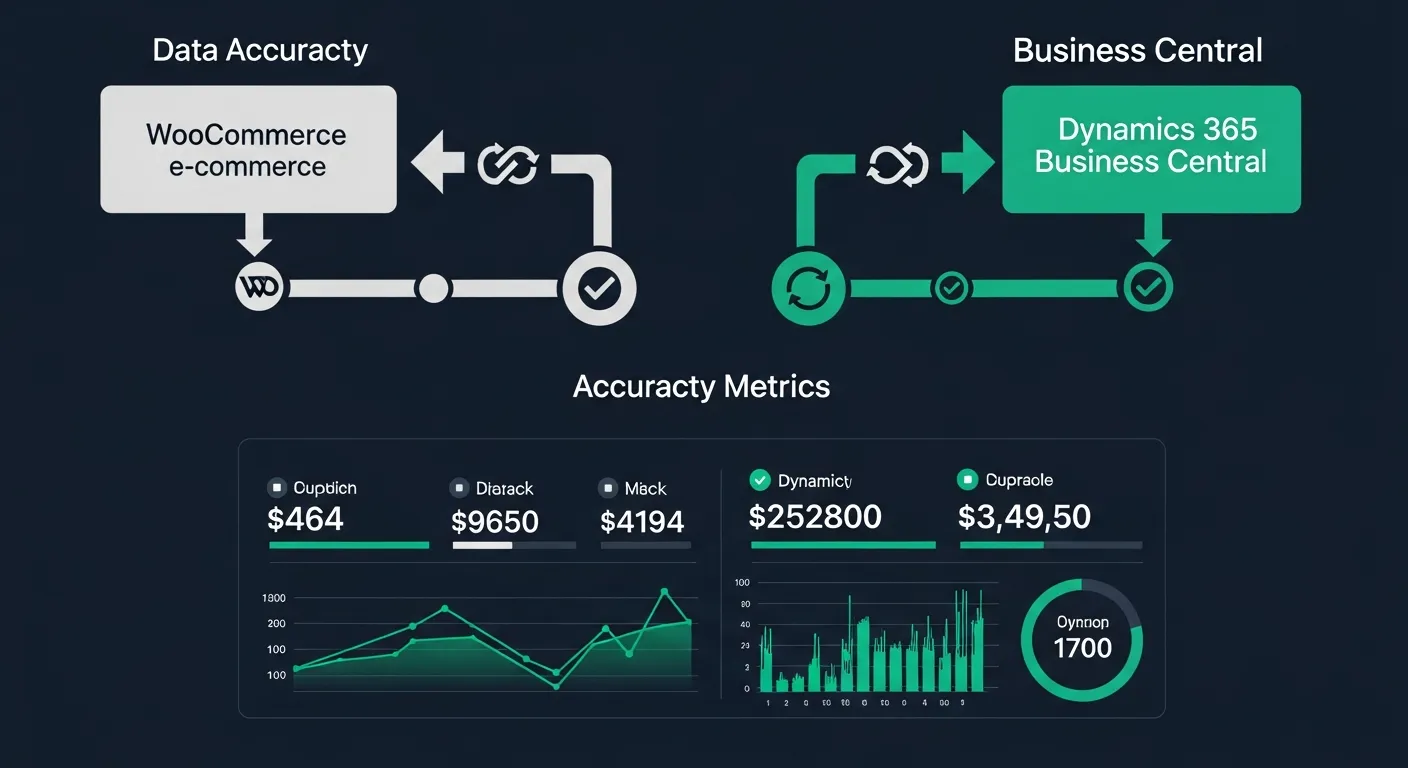
Did you know that inaccurate data transfer between WooCommerce and Microsoft Dynamics Business Central can lead to costly errors and operational inefficiencies? It is well-known that businesses rely heavily on accurate and timely data to make informed decisions. However, when data inconsistencies occur between these two systems, it can result in a variety of issues that impact the overall performance of your business. So, it is crucial to know how to ensure data accuracy between WooCommerce and Microsoft Dynamics Business Central.
Strategies to Ensure Data Accuracy Between WooCommerce and Microsoft Dynamics Business Central
Maintaining data accuracy between WooCommerce and Microsoft Dynamics Business Central requires a proactive and multi-faceted approach. Here are the key strategies that can help you keep your data consistent and reliable across both platforms:
- Regular Data Synchronization: Schedule frequent data syncs between WooCommerce and Microsoft Dynamics Business Central to ensure that product information, inventory levels, and order statuses are always up to date across both systems.
- Data Validation Rules: Implement strict validation rules that check data for accuracy and completeness before it is transferred between systems, preventing errors from propagating across your operations.
- Automated Error Detection and Alerts: Set up automated monitoring systems that detect data discrepancies in real time and send alerts to your team so issues can be resolved before they impact customers or operations.
- Regular Data Audits: Conduct periodic reviews of your data across both platforms to identify and correct inconsistencies, ensuring that your records remain accurate and reliable over time.
- User Training: Train your staff on proper data entry procedures and the importance of data accuracy to minimize human errors that can lead to inconsistencies between WooCommerce and Microsoft Dynamics Business Central.
- Integration Tools: Leverage purpose-built integration tools and middleware solutions that are designed to facilitate seamless data exchange between WooCommerce and Microsoft Dynamics Business Central while maintaining data integrity.
Overview of WooCommerce and Microsoft Dynamics Business Central
Understanding the capabilities of both WooCommerce and Microsoft Dynamics Business Central is essential for managing the data flow between them effectively. Each platform serves a distinct purpose in your business ecosystem, and knowing their strengths helps you build a more robust integration strategy.
Key Features of WooCommerce
WooCommerce is one of the most popular e-commerce platforms in the world, powering millions of online stores. Built as a WordPress plugin, it offers unmatched flexibility and a vast ecosystem of extensions that allow businesses to customize their online storefronts to meet specific needs. Some of the most notable plugins and extensions include:
- Subscription Services: Enable recurring revenue models by offering subscription-based products and services, with automated billing and renewal management built directly into your WooCommerce store.
- Advanced Shipping: Configure complex shipping rules, real-time carrier rate calculations, and multi-warehouse fulfillment options to provide customers with accurate shipping costs and delivery estimates.
- Marketing Tools: Leverage built-in and third-party marketing extensions for email campaigns, SEO optimization, social media integration, and customer retention strategies to drive traffic and increase conversions.
Microsoft Dynamics Business Central: A Brief Introduction
Microsoft Dynamics Business Central is a comprehensive enterprise resource planning (ERP) solution designed for small to mid-sized businesses. It provides an all-in-one platform for managing financials, operations, sales, and customer service, enabling organizations to streamline their processes and make data-driven decisions.
One of the standout features of Microsoft Dynamics Business Central is its integration of advanced technologies such as AI and machine learning. These capabilities enable predictive analytics, automated workflows, and intelligent insights that help businesses anticipate trends, optimize operations, and respond proactively to market changes.
Additionally, Microsoft Dynamics Business Central offers seamless integration with other Microsoft products, including Office 365 and Power BI. This integration creates a unified ecosystem where teams can collaborate effectively, access real-time business intelligence, and work within the familiar Microsoft environment they already know and trust.
Common Data Inconsistencies Between WooCommerce and Microsoft Dynamics Business Central
When WooCommerce and Microsoft Dynamics Business Central are not properly synchronized, data inconsistencies can emerge across several critical areas. These discrepancies often involve product information such as Names, Descriptions, Prices, and Stock Levels — any of which can cause significant problems when they fall out of sync between your e-commerce storefront and your ERP system.
Inventory Count Mismatches
Inventory count mismatches are among the most common and damaging data inconsistencies between WooCommerce and Microsoft Dynamics Business Central. When inventory levels in your online store do not accurately reflect what is available in your warehouse, it can trigger a cascade of operational problems:
- Overselling: Selling products that are no longer in stock leads to order cancellations, refund processing, and a damaged reputation with customers who expected to receive their purchases.
- Underselling: Showing items as out of stock when inventory is actually available means missed sales opportunities and revenue left on the table that your competitors may capture instead.
- Fulfillment Delays: Inaccurate inventory data causes confusion in your warehouse operations, leading to picking errors, shipping delays, and increased labor costs as staff scramble to resolve discrepancies.
- Unhappy Customers: Customers who experience order cancellations, unexpected delays, or incorrect shipments due to inventory mismatches are far less likely to return, and they may share their negative experiences publicly.
- Revenue Loss: The cumulative impact of overselling, underselling, and fulfillment issues directly affects your bottom line through lost sales, increased returns, and the cost of acquiring new customers to replace those you have lost.
Order Status Conflicts
Order status conflicts occur when WooCommerce and Microsoft Dynamics Business Central display different statuses for the same order. For example, an order might show as "shipped" in Microsoft Dynamics Business Central while still appearing as "pending" in WooCommerce. This disconnect creates confusion for both your internal team and your customers.
When customers check their order status on your WooCommerce store and see outdated information, it erodes their trust and generates unnecessary support inquiries. Meanwhile, your fulfillment and customer service teams may be working with conflicting information, leading to duplicated efforts, miscommunication, and errors in order management. Resolving order status conflicts requires real-time synchronization and clear data flow rules between both systems.
Techniques to Maintain Data Accuracy
Implementing the right techniques is essential for maintaining consistent and accurate data between WooCommerce and Microsoft Dynamics Business Central. The following approaches provide a structured framework for identifying, preventing, and resolving data discrepancies.
Regular Data Auditing
Regular data auditing involves systematically reviewing and verifying data across both WooCommerce and Microsoft Dynamics Business Central to identify discrepancies before they escalate into larger problems. A comprehensive audit should cover:
- Product Information: Verify that product names, descriptions, prices, images, and attributes are consistent across both platforms, ensuring that customers see accurate information on your storefront.
- Inventory Counts: Compare inventory levels between WooCommerce and Microsoft Dynamics Business Central to identify and resolve any mismatches that could lead to overselling or underselling.
- Order Statuses: Review order records across both systems to confirm that order statuses, payment information, and fulfillment details are synchronized and up to date.
Implementing Data Validation Rules
Data validation rules act as gatekeepers that ensure only accurate and complete data is transferred between WooCommerce and Microsoft Dynamics Business Central. By implementing these rules, you can catch errors at the source and prevent them from spreading across your systems:
- Validate Product Attributes: Ensure that all required product fields — including SKU, price, weight, dimensions, and category — are populated and formatted correctly before data is synced between platforms.
- Check Inventory Levels: Implement validation checks that flag negative inventory counts, unusually large quantity changes, and discrepancies between on-hand and available inventory before updates are applied.
- Verify Order Statuses: Create validation rules that ensure order status transitions follow a logical sequence and that all required fields — such as shipping information and payment confirmation — are complete before status changes are synced.
Using Data Synchronization Tools
Data synchronization tools serve as the bridge between WooCommerce and Microsoft Dynamics Business Central, automating the transfer of data and ensuring consistency across both platforms. Investing in the right synchronization solution delivers several critical benefits:
- Seamless Data Transfer: Purpose-built synchronization tools handle the complexities of mapping data fields between WooCommerce and Microsoft Dynamics Business Central, ensuring that information flows accurately and reliably in both directions.
- Improved Operational Efficiency: By automating data transfer processes, synchronization tools eliminate the need for manual data entry, reduce human errors, and free up your team to focus on higher-value activities that drive business growth.
- Maintained Data Accuracy: Real-time or near-real-time synchronization ensures that changes made in one system are promptly reflected in the other, minimizing the window for data discrepancies and keeping your operations running smoothly.
Best Practices for Data Management
Beyond specific techniques, establishing broader data management practices is essential for long-term data accuracy between WooCommerce and Microsoft Dynamics Business Central. These best practices create a foundation of accountability, knowledge, and continuous improvement.
Establishing a Data Governance Policy
A data governance policy provides the framework and guidelines for how data is managed, maintained, and protected across your organization. A comprehensive data governance policy should include the following key components:
- Identifying Data Stewards: Assign dedicated individuals or teams who are responsible for overseeing data quality, resolving data issues, and ensuring compliance with data management standards across both WooCommerce and Microsoft Dynamics Business Central.
- Defining Data Ownership: Clearly establish which departments or roles own specific data sets, ensuring accountability and preventing confusion about who is responsible for maintaining and updating critical business data.
- Implementing Classification and Access Control: Categorize data based on sensitivity and business importance, and implement role-based access controls that ensure only authorized personnel can view, modify, or delete specific data.
- Establishing Data Quality Standards: Define clear standards for data accuracy, completeness, consistency, and timeliness that all data entries must meet before being accepted into either WooCommerce or Microsoft Dynamics Business Central.
- Creating Validation Protocols: Develop standardized procedures for validating data at each stage of the data lifecycle — from initial entry through synchronization, storage, and reporting — to maintain integrity throughout the entire process.
Training Staff on Data Management Procedures
Your data is only as accurate as the people managing it. Investing in comprehensive training programs ensures that your team has the knowledge and skills needed to maintain data integrity across both platforms.
- Comprehensive Onboarding: New team members should receive thorough training that covers data entry standards, system navigation, and the importance of data accuracy. This includes hands-on practice with both WooCommerce and Microsoft Dynamics Business Central, clear documentation of data management procedures, and mentorship from experienced team members.
- Regular Refresher Courses: Ongoing training keeps your team up to date with system updates, new features, and evolving best practices. Schedule quarterly refresher sessions that cover common data entry errors and how to avoid them, updates to data governance policies and procedures, and new tools or features that improve data management workflows.
- Fostering a Collaborative Environment: Encourage cross-departmental collaboration and knowledge sharing to build a culture of data excellence. This includes creating forums where team members can share tips and best practices, establishing feedback channels for reporting data issues and suggesting improvements, and recognizing and rewarding employees who demonstrate exceptional data management practices.
- Engaging Consulting Services: Consider partnering with external consultants who specialize in WooCommerce and Microsoft Dynamics Business Central integration. They can provide expert assessments of your current data management practices, customized training programs tailored to your specific business needs, and ongoing support and guidance as your integration matures and evolves.
Regularly Updating and Upgrading Systems
Keeping both WooCommerce and Microsoft Dynamics Business Central updated to their latest versions is essential for maintaining data accuracy and security. Software updates often include bug fixes, performance improvements, and enhanced data handling capabilities that directly impact the reliability of your data synchronization processes.
New features introduced in system updates can also provide additional tools and functionalities that improve your data management workflows. For example, enhanced API capabilities, improved data mapping options, and new validation features can all contribute to more accurate and efficient data exchange between your e-commerce and ERP platforms.
As your business grows, your data management needs will evolve. Regularly reviewing and upgrading your systems ensures that they can scale with your operations, handle increasing data volumes, and continue to deliver the performance and accuracy that your business depends on. Staying current with updates also ensures compatibility with third-party integration tools and plugins that play a critical role in your data synchronization strategy.
Enhance Data Accuracy with the Right Tools and Practices
Ensuring data accuracy between WooCommerce and Microsoft Dynamics Business Central is crucial for the smooth operation of your business. By implementing the strategies, techniques, and best practices outlined in this guide — from regular data synchronization and validation rules to comprehensive staff training and robust data governance policies — you can minimize data inconsistencies, reduce costly errors, and create a reliable foundation for informed decision-making. The key is to take a proactive, systematic approach that combines the right tools with well-trained people and clearly defined processes to keep your data accurate, consistent, and trustworthy across both platforms.