

Top WooCommerce Plugins Compatible with Microsoft Dynamics Business Central: Boost Your E-Commerce Efficiency
Boost Your E-Commerce Efficiency

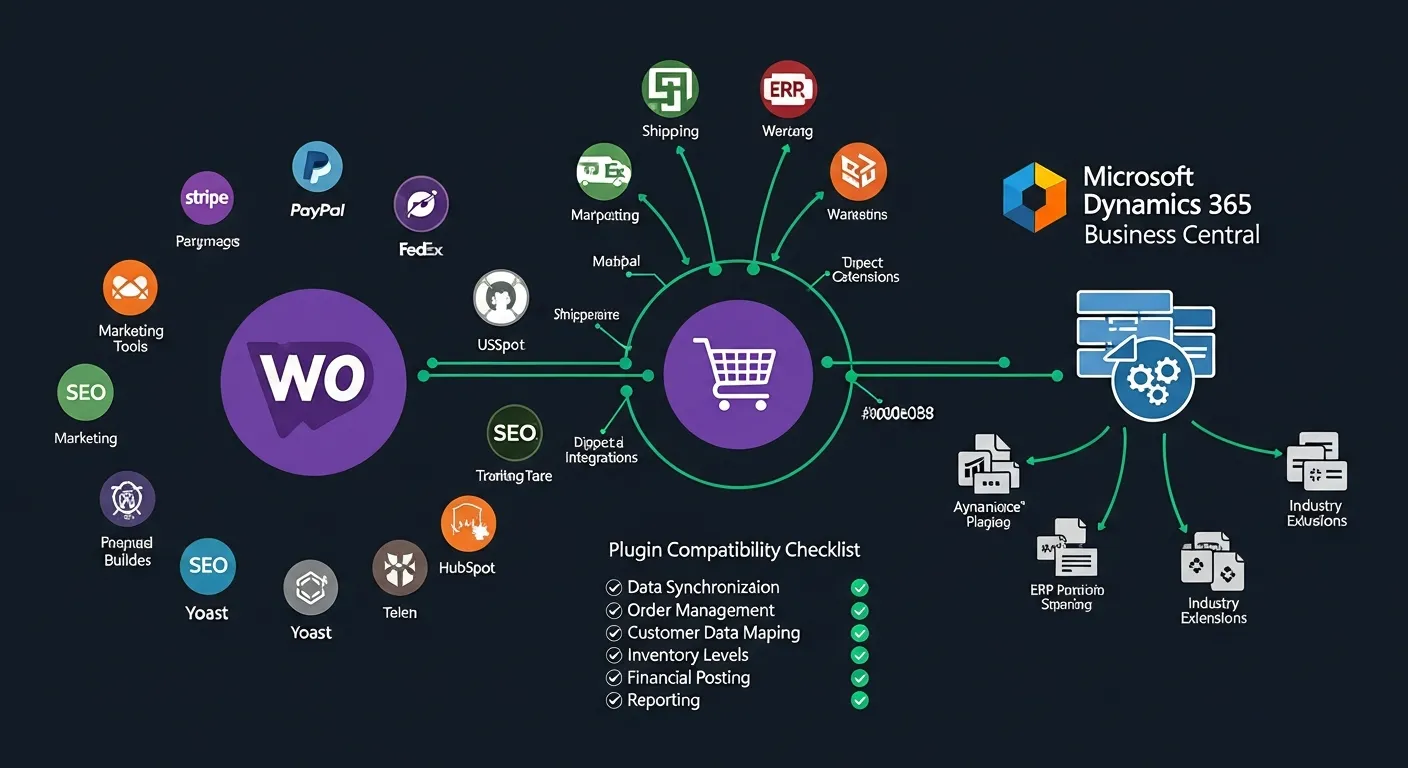
Did you know that WooCommerce powers over 28% of all online stores worldwide? It's no surprise that many businesses choose WooCommerce as their preferred e-commerce platform. However, when it comes to integrating with other systems like Microsoft Dynamics Business Central, finding compatible plugins can be a real headache. In this article, we will explore the top WooCommerce plugins compatible with Microsoft Dynamics Business Central.
Best Integration Plugins for WooCommerce and Microsoft Dynamics Business Central
Choosing the right integration plugin can make or break your e-commerce workflow. Here are five of the best plugins that seamlessly connect WooCommerce with Microsoft Dynamics Business Central, helping you streamline operations and boost efficiency.
- Syncoria: Syncoria offers real-time synchronization between WooCommerce and Microsoft Dynamics Business Central. It ensures that your product data, pricing, inventory levels, and order information are always up to date across both platforms, eliminating manual data entry and reducing errors.
- Folio3: Folio3 provides a robust solution for syncing orders, inventory, and customer data between WooCommerce and Microsoft Dynamics Business Central. With its comprehensive feature set and reliable data mapping capabilities, Folio3 is ideal for businesses that need a dependable, all-in-one integration solution.
- Zapier: Zapier is a flexible integration platform that connects WooCommerce with Microsoft Dynamics Business Central through customizable triggers and actions. It allows businesses to automate workflows without writing code, making it an excellent choice for teams that need quick, adaptable integrations across multiple applications.
- SkuVault: SkuVault specializes in inventory management across multiple sales channels, including WooCommerce and Microsoft Dynamics Business Central. It provides real-time inventory tracking, warehouse management, and reporting tools that help businesses maintain accurate stock levels and prevent overselling.
- Captivix: Captivix is a powerful WooCommerce Dynamics NAV integration plugin that enables seamless data synchronization between the two platforms. It handles product catalogs, customer records, sales orders, and financial data with precision, making it a top choice for businesses seeking a reliable and efficient integration solution.
The Importance of Plugin Compatibility
Plugins are the backbone of any e-commerce platform, extending its functionality and enabling businesses to deliver exceptional customer experiences. When it comes to integrating WooCommerce with Microsoft Dynamics Business Central, compatible plugins ensure seamless data flow between your online store and your ERP system. This compatibility is critical for maintaining accurate inventory levels, processing orders efficiently, and keeping customer data synchronized across platforms.
Without compatible plugins, businesses risk data discrepancies, manual workarounds, and operational inefficiencies that can lead to lost sales and frustrated customers. Investing in the right compatible plugins from the start saves time, reduces errors, and creates a solid foundation for scalable growth.
Avoiding Common Compatibility Issues
Compatibility issues can disrupt your entire e-commerce operation if not addressed proactively. Here are key strategies to avoid common pitfalls when integrating WooCommerce with Microsoft Dynamics Business Central.
- Thorough Research: Before selecting any plugin, conduct comprehensive due diligence. Check compatibility with your specific versions of WooCommerce and Microsoft Dynamics Business Central, read reviews from other users in similar industries, and seek expert advice from integration specialists who understand both platforms.
- Regular Updates: Keep all plugins updated to their latest versions to ensure ongoing compatibility and security. Monitor for changes in either WooCommerce or Microsoft Dynamics Business Central that could affect plugin functionality, and subscribe to vendor release notes to stay informed about upcoming updates.
- Test Before Full Deployment: Always use a staging environment to test new plugins and updates before deploying them to your live store. Check for conflicts with existing plugins and customizations, and verify that data flows correctly between WooCommerce and Microsoft Dynamics Business Central in a controlled setting.
- Enhanced User Experience: Compatible plugins contribute directly to a better customer experience. They enable seamless checkout processes, personalized product recommendations based on synchronized customer data, and efficient customer support powered by real-time access to order and inventory information.
Exploring New Possibilities with Integrated Plugins
The integration of WooCommerce with Microsoft Dynamics Business Central opens up exciting new possibilities for businesses looking to stay ahead of the competition. With the right plugins in place, businesses can leverage AI-driven analytics to gain deeper insights into customer behavior and purchasing patterns. Automated marketing campaigns can be triggered based on real-time data from your ERP system, delivering personalized offers to customers at the perfect moment. Streamlined inventory forecasting powered by integrated data from both platforms helps businesses optimize stock levels, reduce carrying costs, and ensure products are always available when customers want them.
Evaluating Plugin Performance with Microsoft Dynamics Business Central
Once you've selected and deployed your integration plugins, it's essential to evaluate their performance regularly to ensure they're delivering the expected results. Here are the key performance indicators to monitor:
- Order Accuracy: Measure the percentage of orders that are processed correctly without manual intervention. A high-performing integration plugin should ensure that order details, pricing, and shipping information flow accurately between WooCommerce and Microsoft Dynamics Business Central.
- Inventory Synchronization: Track how quickly and accurately inventory levels are updated across both platforms. Real-time synchronization minimizes the risk of overselling and ensures customers always see accurate stock availability.
- Customer Data Integrity: Evaluate the consistency and completeness of customer records across WooCommerce and Microsoft Dynamics Business Central. Clean, synchronized customer data enables personalized marketing, accurate order histories, and efficient customer support.
- Reporting Capabilities: Assess the quality and depth of reports generated from integrated data. Effective plugins should provide comprehensive reporting that combines e-commerce and ERP data to deliver actionable business insights.
Beyond these KPIs, consider the scalability of your chosen plugins. As your business grows, your integration solution must be able to handle increasing order volumes, expanding product catalogs, and growing customer databases without degrading performance. A plugin that works well for a small store may struggle under the demands of a rapidly scaling enterprise, so plan for future growth when evaluating plugin performance.
Making the Right Choice: A Guide to Selecting Plugins
Selecting the right integration plugin starts with a deep understanding of your business needs and the specific functionalities that are most crucial to your operations. Every business has unique requirements, and a plugin that works perfectly for one company may not be the best fit for another.
For example, a fashion retailer with a large product catalog and frequent inventory changes might prioritize real-time inventory synchronization and product data management capabilities. In contrast, a subscription-based service might focus on customer data integration, recurring billing automation, and lifecycle management features. Identifying your most critical integration needs upfront helps narrow down the options and ensures you invest in a plugin that delivers maximum value for your specific use case.
Assessing Plugin Reviews and Ratings
User reviews and ratings provide valuable insights into the real-world performance of integration plugins. When evaluating plugins, pay close attention to these key factors:
- Consistently Positive Feedback: Look for plugins that receive consistently high ratings over time, not just during initial release periods. Sustained positive feedback indicates reliable performance, ongoing development, and genuine user satisfaction across diverse business environments.
- Large User Base: Plugins with a large and active user base tend to be more reliable and better supported. A substantial user community also means more resources, tutorials, and community-driven solutions are available when you encounter challenges.
- Developer Responsiveness: Pay attention to how quickly and effectively the plugin developer responds to user questions, bug reports, and feature requests. A responsive developer who actively maintains and improves their plugin is a strong indicator of long-term reliability and commitment to quality.
Driving Success with Top Plugin Choices
Integrating WooCommerce with Microsoft Dynamics Business Central through the right plugins is a strategic investment that can significantly enhance your e-commerce functionality and operational efficiency. By carefully selecting compatible plugins, regularly evaluating their performance, and staying informed about new integration possibilities, businesses can create a seamless connection between their online store and ERP system that drives growth, improves customer satisfaction, and streamlines day-to-day operations.
The plugins highlighted in this article — Syncoria, Folio3, Zapier, SkuVault, and Captivix — represent some of the best options available for WooCommerce and Microsoft Dynamics Business Central integration. Take the time to evaluate each option against your specific business needs, test thoroughly before deployment, and leverage the power of integrated systems to take your e-commerce operations to the next level.